
NewWindows · version 7.0.0
Project Folder Manager: every project folder one click away
One screen for your project folders. Open a drive or any folder and its folders are listed by discipline, from Admin and Survey to Design & Drawings and the Archive. See inside any folder, search everything instantly, and copy, move or rename files without digging through Explorer. Version 7: a proper Windows program that installs and updates itself.
ProjectFolderManager-Setup.exe, the installer, 9 MB · Windows 10 or 11 · Free account needed
What it does
The whole project folder on one screen
Open a drive or any folder
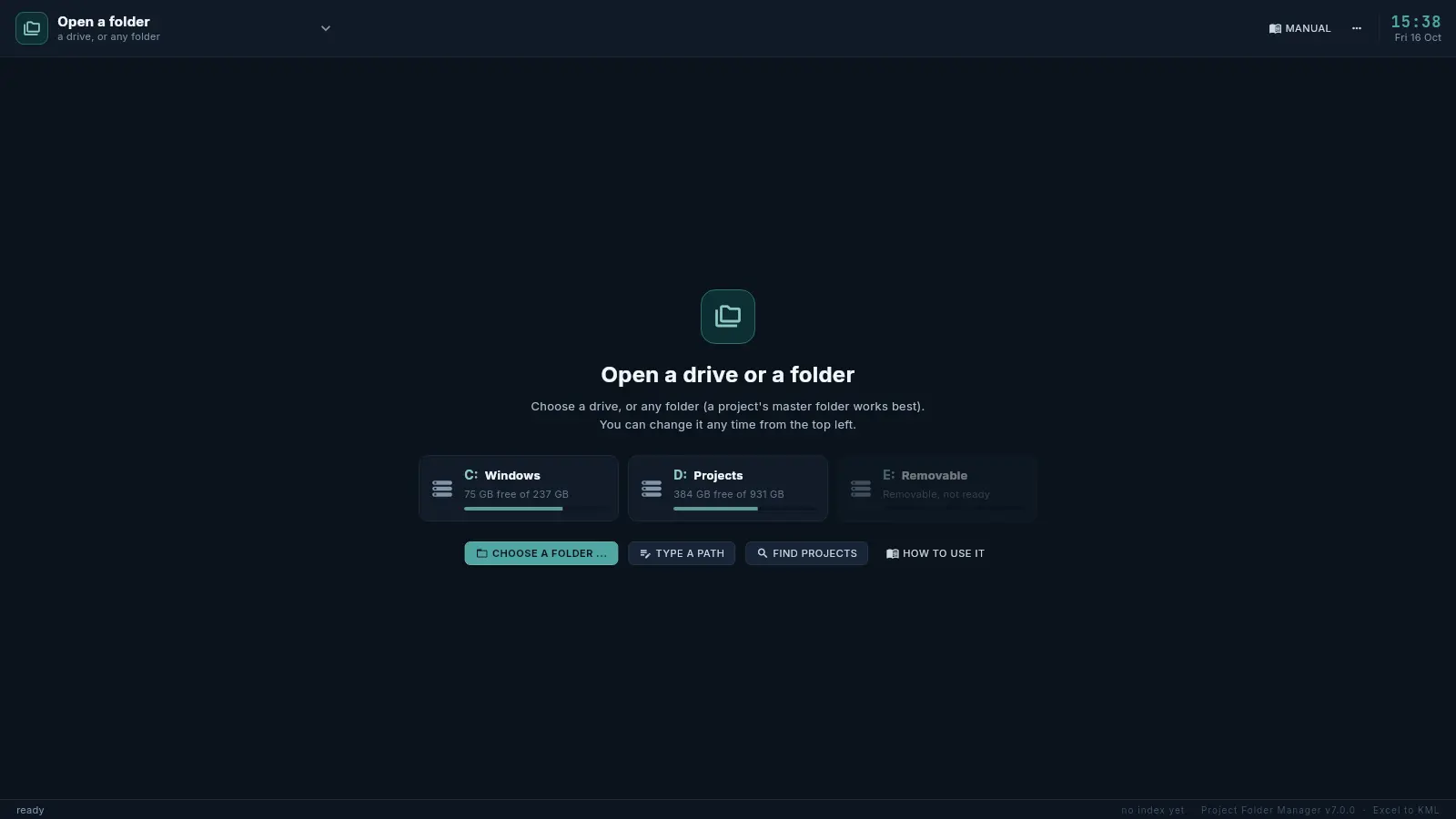
The first time, click a drive or choose a folder; a project's master folder works best. Switch any time from the top left, where your recent folders are kept.
Folders by discipline
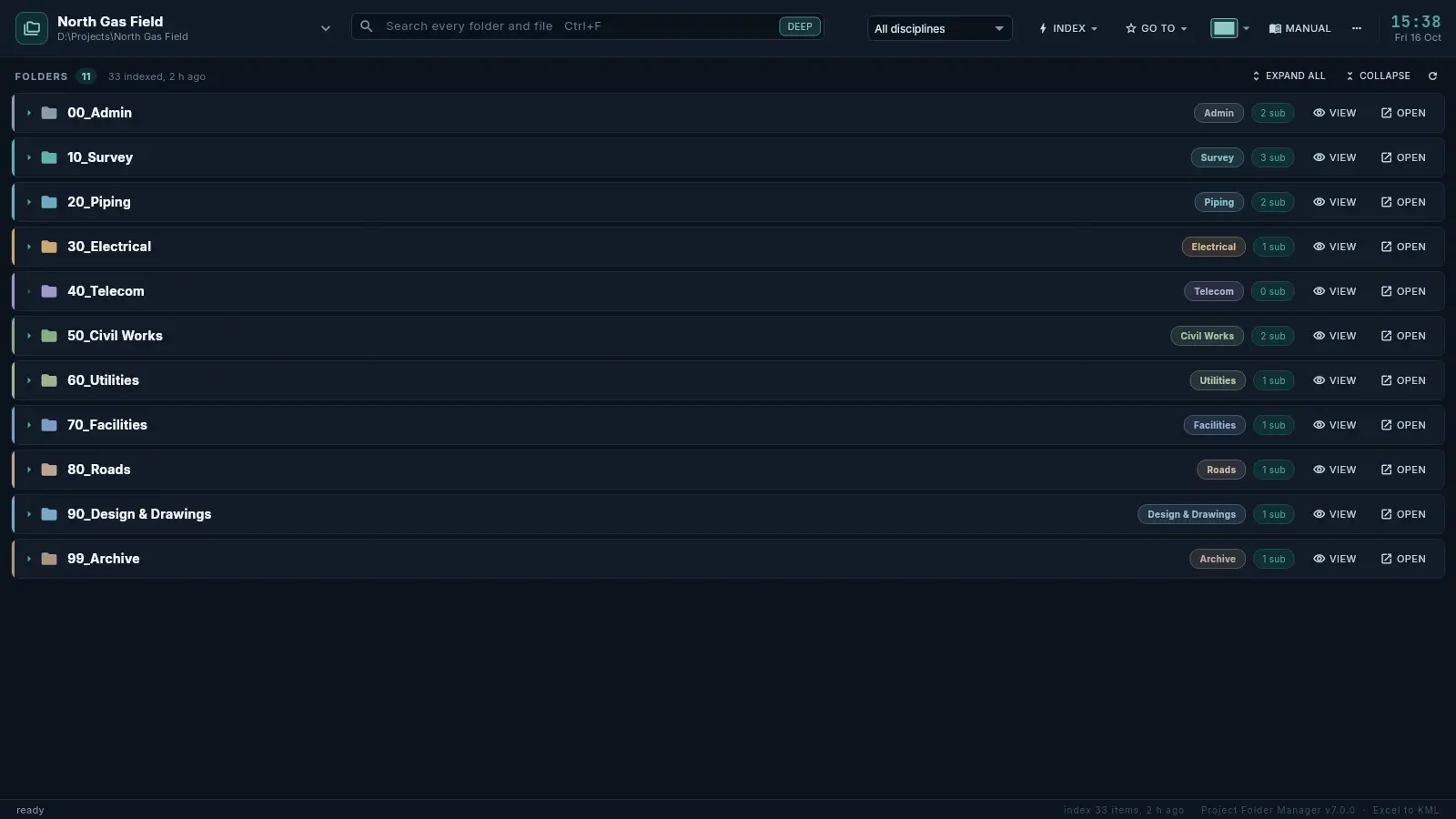
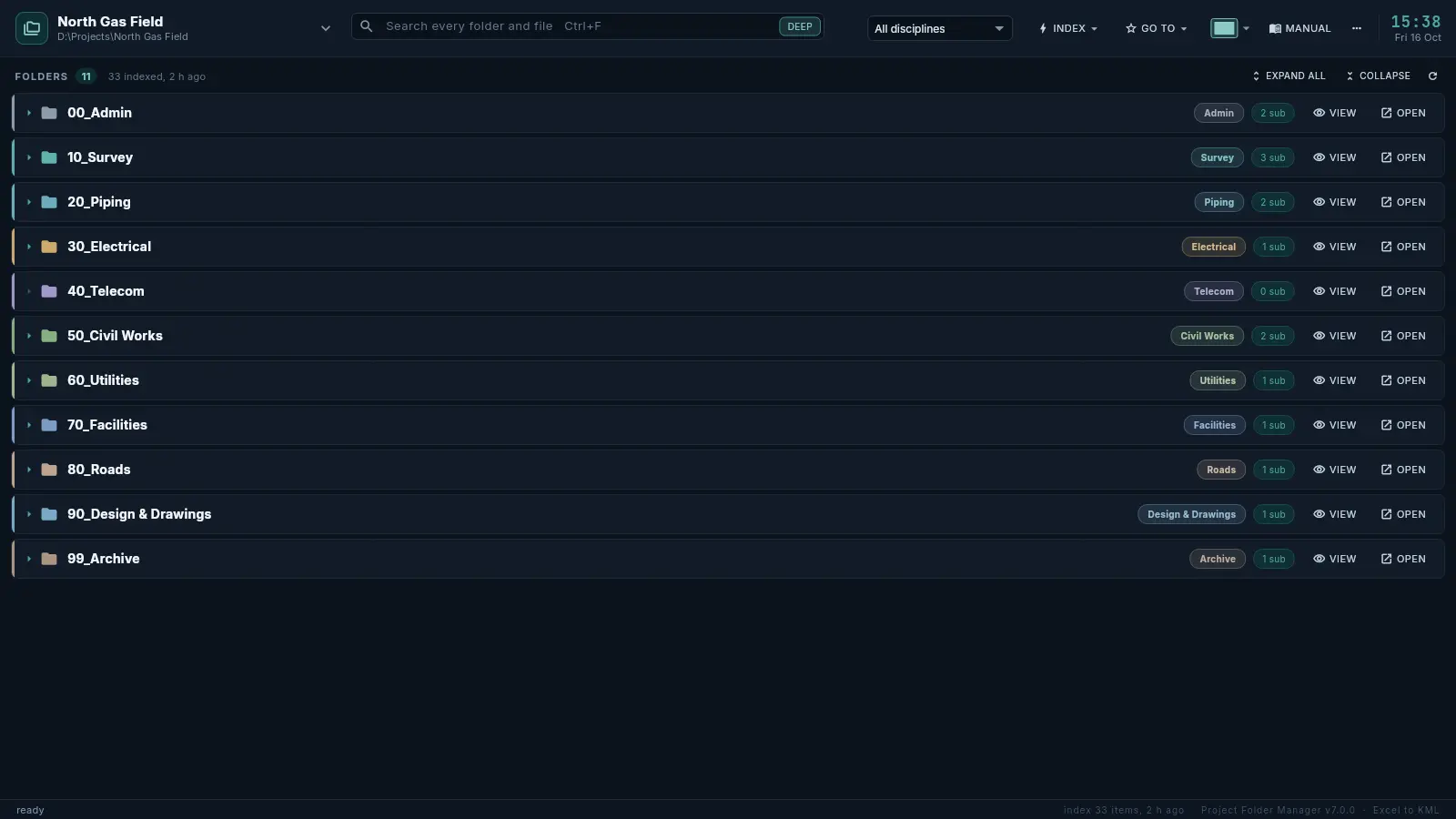
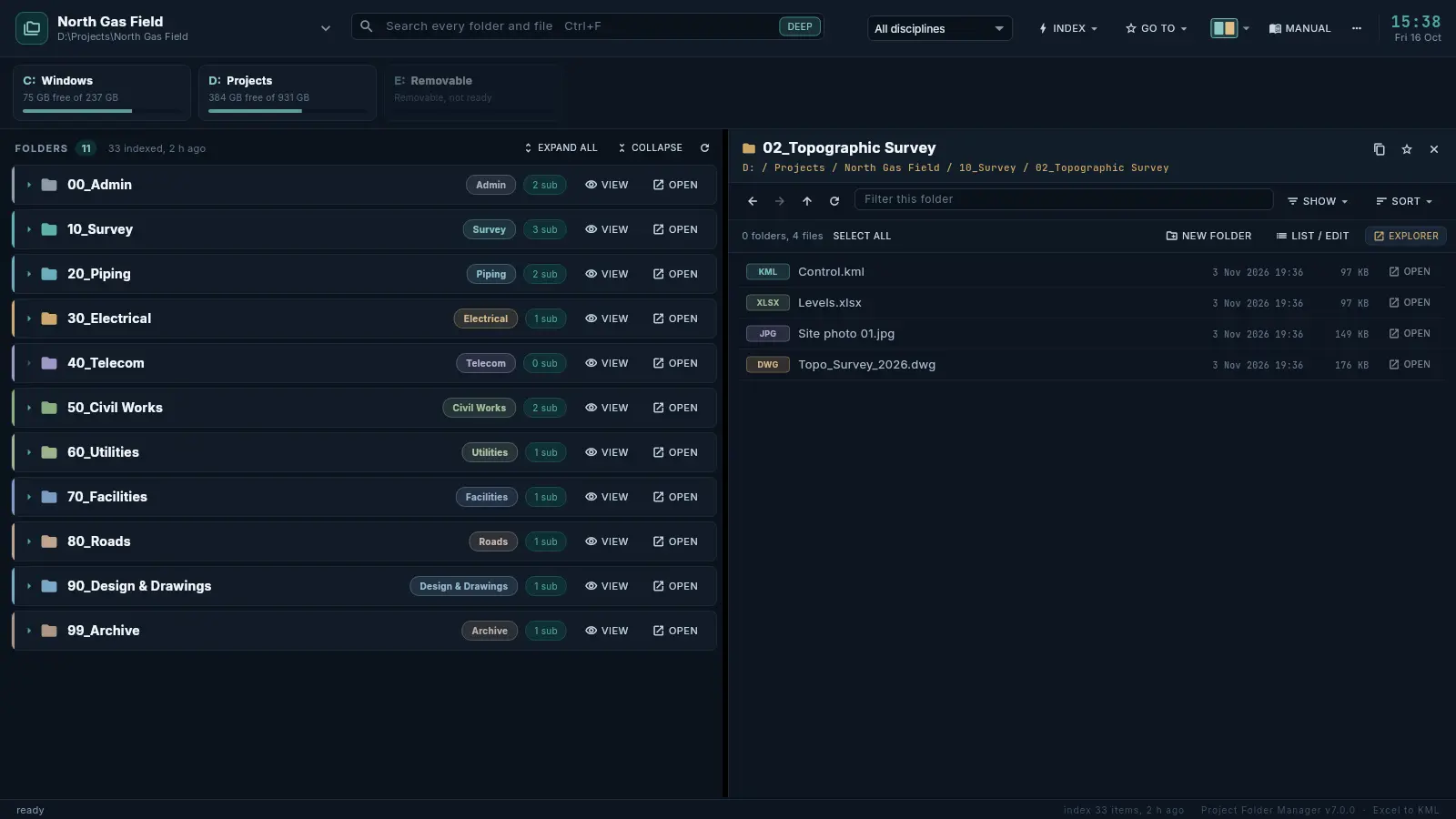
Every folder inside, with its discipline colour (00 Admin to 99 Archive) and its sub-folders. VIEW shows it in the side panel, OPEN in Explorer.
Instant search
The folder indexes itself in the background. Type to filter the list, or turn on DEEP to search every folder and file, with a discipline filter.
Copy, move, undo
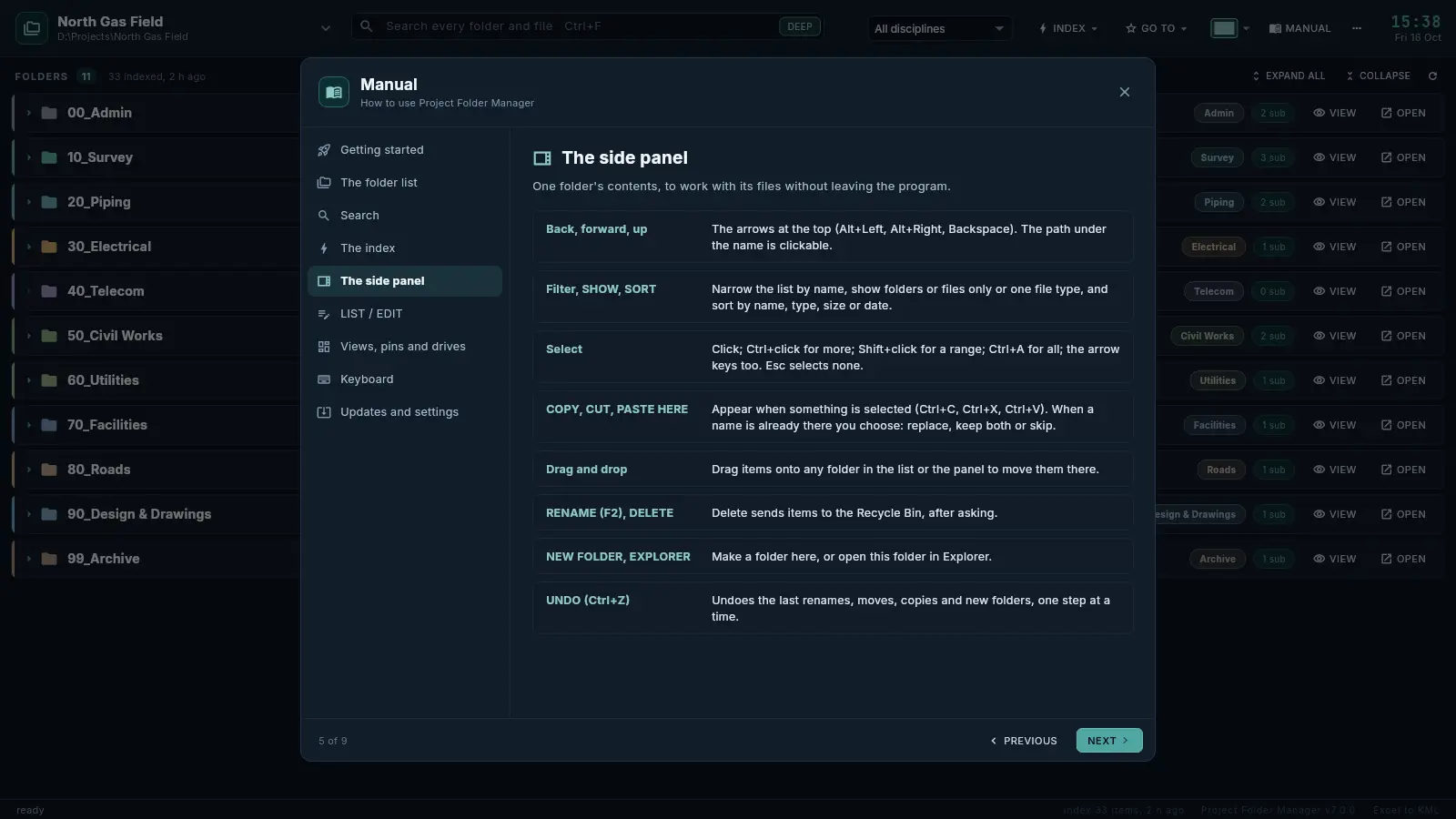
Copy, cut and paste, drag and drop, rename and delete to the Recycle Bin in the panel. Name clashes ask first, and UNDO (Ctrl+Z) takes a step back.
Rename in bulk
LIST / EDIT puts a folder's names in a box: edit them, see a preview of every change and any problem, then apply. Quick tools number, add text, find and replace and change case.
Follows the disk
Folders made, renamed or deleted in Explorer show up by themselves within seconds: there is nothing to scan or rebuild.
Six layouts, pins, drives
Tree only, panel only, side by side or above and below (Alt+1 to Alt+6), pinned folders, and every drive with its free space.
Manual and updates
MANUAL (F1) explains every part, topic by topic. It installs per user without administrator rights and updates itself.
Screenshots
How it looks
Version 7 with an example project in D:\Projects\North Gas Field. Tap a picture to see it full size.
Modules
Eleven modules, each with its discipline
Read from the folders in the folder you open: a folder's number gives its discipline, and you can pick another for any folder. New folders on the disk show up by themselves.
- 00Admin
- 10Survey
- 20Piping
- 30Electrical
- 40Telecom
- 50Civil Works
- 60Utilities
- 70Facilities
- 80Roads
- 90Design & Drawings
- 99Archive
Install
Ready in a minute
One installer, no administrator rights.
- 1
Download
Download ProjectFolderManager-Setup.exe and open it. No administrator rights are needed.
- 2
Open
It installs for your Windows user, with Start menu and desktop shortcuts, and is listed in Settings → Apps.
- 3
Choose a folder
The first time it asks what to open: click a drive, or choose a folder. Change it any time from the top left.
- 4
Read the manual
Press F1 or MANUAL in the top bar for how to use every part.
Help
Quick fixes for common questions
Windows protected your PC
The installer isn't code-signed yet, so SmartScreen asks first. Choose More info → Run anyway.
This folder is not on this PC
The drive isn't connected, or the folder was moved. Connect it and press TRY AGAIN, or open another folder from the same page.
Search finds only folder names
Turn on DEEP to search every folder and file. A new folder is indexed in the background first; INDEX in the top bar shows how far it has got.
A file won't open
Windows has no program for that file type. The panel offers to show it in Explorer instead.
A move or rename failed
The item is open in another program, or the folder is open in Explorer. Close it and try again; UNDO puts back what was done.
How do I update?
It checks a few seconds after it opens and offers the new version; ⋯ → Look for an update checks now. The Survey Toolkit can update it too.
Download
Get Project Folder Manager 7.0.0
Free. Sign in or create a free account, then the download starts.
Project Folder Manager for Windows
ProjectFolderManager-Setup.exe, the installer, 9 MB. It installs for your Windows user and keeps itself up to date.
If Windows warns you
The installer isn't code-signed yet, so Windows SmartScreen may say it protected your PC the first time. Choose More info, then Run anyway.
Questions or a feature request? Write to us.